

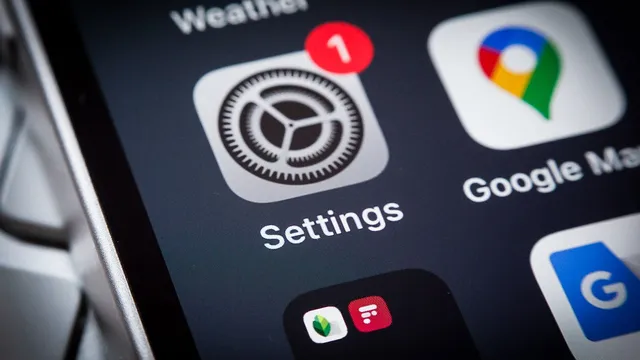
Control app background activity to save battery and data
Control app background activity to save battery and data
- Apps refresh content in the background, which leads to battery drain and data consumption.
- Users can limit background activity to Wi-Fi connections on both iPhone and Android devices.
- Controlling these settings effectively can enhance battery life and data efficiency.
Story
In the context of smartphone usage, both iPhone and Android devices experience significant battery drain and data consumption due to apps refreshing in the background. This background activity is designed to keep content updated, allowing users to continue where they left off. However, this constant refresh can deplete battery life and consume mobile data without the user’s awareness. Therefore, users are encouraged to adjust their phone settings to limit background app refresh to Wi-Fi connections only. Specifically for iPhone users, the process involves navigating to the Settings menu, selecting General, then tapping on Background App Refresh. Users can then choose to restrict updates to Wi-Fi only or turn the feature off altogether. Turning off background refresh completely can help conserve battery but may lead to delays in app content updates when opened. Consequently, this makes it crucial for users to assess their usage patterns and decide whether to prioritize battery life or up-to-date content. For Android users, although the terminology differs, similar features are available. Users can limit background data for individual apps by accessing the Data Usage settings. They can turn off background data for each app, ensuring that updates only occur when connected to Wi-Fi. Additionally, users are given the option to manage battery usage by restricting background activity for specific apps, enhancing overall battery performance. By enabling a Data Saver mode, users can gain even more control over how apps consume data in the background. Ultimately, by following these steps, smartphone users can significantly improve their device's efficiency, preventing unnecessary strain on both battery and data plans. Recognizing the importance of these settings can lead to a better user experience with prolonged battery life and careful data usage. As mobile devices continue to be integral to daily life, understanding how to manage these features effectively is fundamental for modern smartphone users.